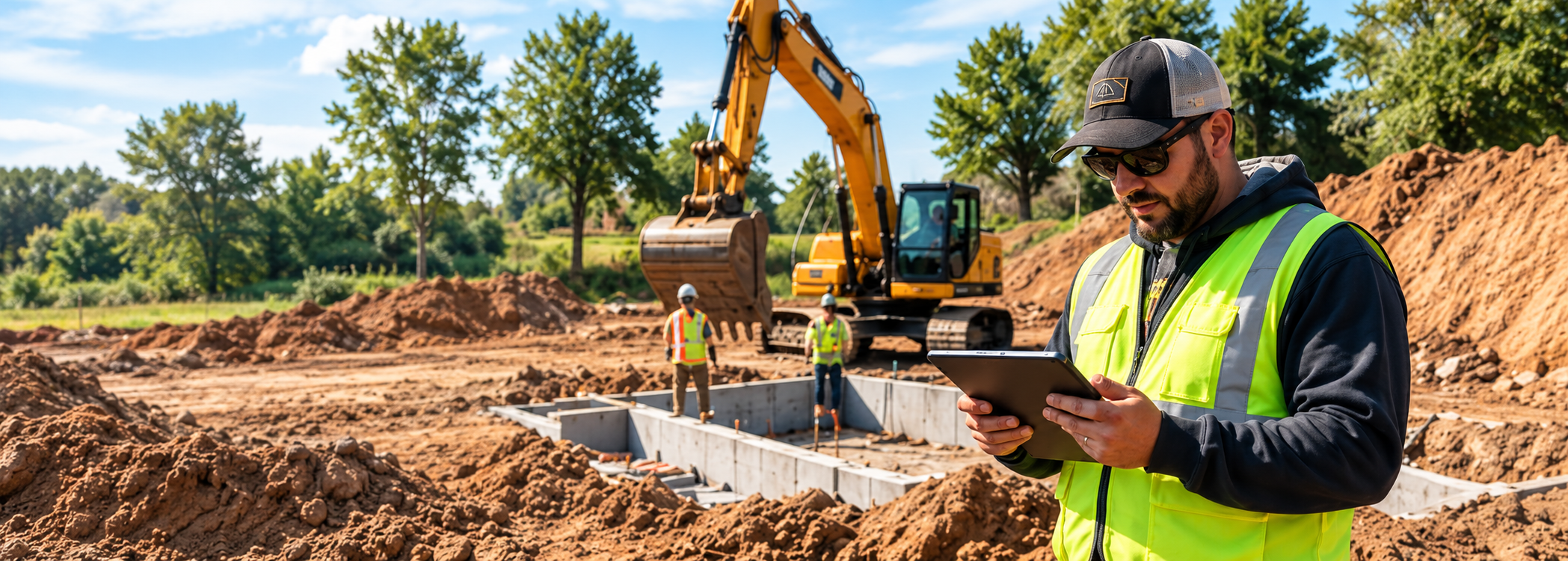
You Move the Dirt.
Make Sure the Job Makes Money.
Labor runs long. Materials change. Extra work gets added.SolvPro keeps your jobs, crews, costs, changes, and billing connected so you can see where the job stands before the job is over.
Run the Job. Protect the Profit.
Busy Doesn't Always Mean Profitable.
You can have crews working, equipment moving, and a full schedule—and still lose money on the job.
Labor Ran Long
More hours than you estimated.
Materials Added Up
Actual costs didn't match the plan.
Changes Weren't Billed
The work happened. The invoice didn't.
Extra Trips Cost Money
Small delays became real costs.
You shouldn't have to wait until the job is over to find out whether you made money.
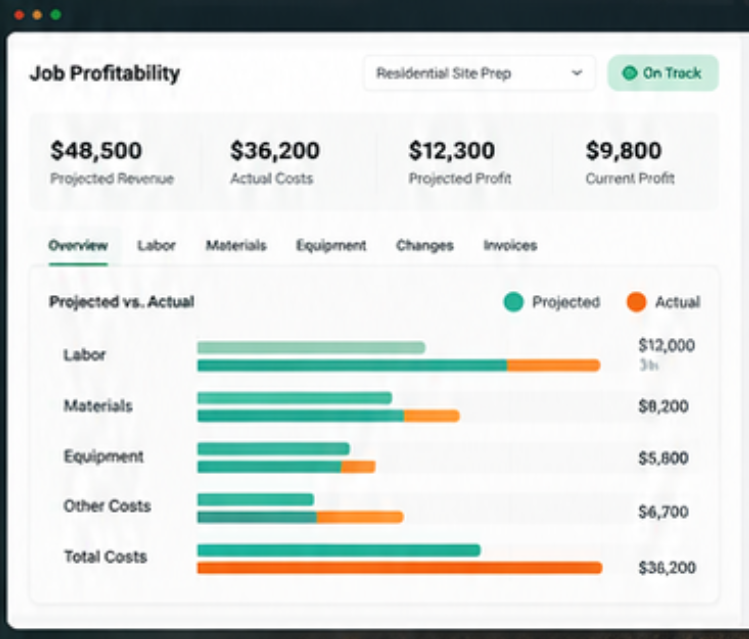
Know Where the Job Stands While You Can Still Do Something About It.
You estimated the job before the work started. SolvPro helps you compare that plan with what's actually happening in the field.
- Labor
- Materials
- Job Costs
- Revenue
- Profit
- Hours Worked
- Materials Used
- Current Costs
- Changes
- Profit
See something going wrong? You still have time to act.
From Estimate to Payment.
One Connected Job.
Build the Job
Estimate the work, define the scope, and get approval.
Estimate → ApprovalRun the Job
Schedule the crew and capture what actually happens in the field.
Schedule → Crew → Time → Materials → ChangesProtect the Profit
See where the job stands, invoice the work, and get paid.
Job Costing → Invoice → PaymentLess chasing information. More control over the job.
- 1Estimate
- 2Schedule
- 3Crew
- 4Work
- 5Changes
- 6Invoice
- ✓Paid
Your Field and Office Should Be Working From the Same Job.
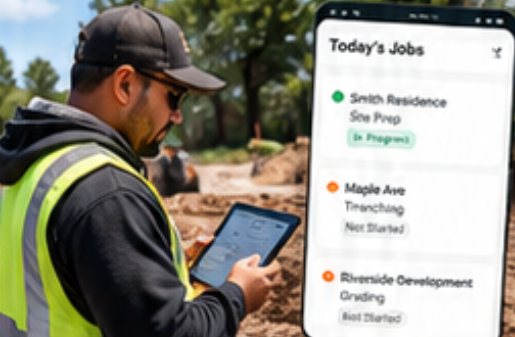
In the Field
Your crew can see the job, track time, add photos and notes, document work, and capture changes from the jobsite.
No waiting until the end of the day to figure out what happened.
In the Office
Your team can schedule crews, follow job progress, review costs, manage changes, invoice completed work, and see where the job stands.
Everyone works from the same information.English or Spanish.
Same Crew. Same Job. Same System.
Your team can work in the language they're most comfortable using while staying connected to the same job.
Built Around the Way Excavation Work Actually Happens.
Residential Excavation
Keep crews, costs, documentation, and billing connected.
Grading & Earthwork
Track multi-day jobs without losing sight of labor and costs.
Utilities & Trenching
Keep field documentation and job progress connected to the work.
Septic & Underground
Manage the job from estimate through installation and billing.
Commercial Site Work
Coordinate crews, phases, changes, and invoices.
Multi-Crew Operations
Know who's working where and what's coming next.
Know Before the Job Is Over.
- Know the labor.
- Know the costs.
- Know what changed.
- Know what still needs to be billed.
- Know where the profit stands.
Less Guessing.
Fewer Surprises.
More Profitable Jobs.
Run a Profitable Excavation Business.
Not Just a Busy One.
You're already doing the hard work.
SolvPro helps you connect the estimate, crew, field activity, costs, changes, invoices, and payments so you can see what's happening while there's still time to act.
Run the Job. Protect the Profit.
Simple to use. Built for the field. English and Spanish.