AI automation is software that uses rules, customer data, and predictive or natural-language tools to handle repeatable administrative work. It doesn't make judgment calls on service quality, safety, or pricing exceptions. People still own those decisions.
This guide covers where automation fits in a cleaning business and how to roll it out in stages. You'll also see which tools make sense, and the safeguards that keep automation from creating new problems.
KEY TAKEAWAYS
- AI pays off fastest on repetitive lead intake, scheduling, customer updates, and invoicing.
- Document one workflow, measure results, then automate the next process.
- Centralize jobs, crews, and billing so AI works from clean, shared data.
- Keep people in charge of exceptions, safety, complaints, and pricing calls.
- Manual coordination compounds into double-booked crews, cold leads, lost job notes, and no clear view of which accounts are profitable.
Why Cleaning Businesses Should Automate before They Grow
Cleaning operations generate an unusual amount of recurring coordination. Every account has its own schedule, access instructions, supply needs, and payment terms. Multiply that across dozens of recurring clients and the administrative load grows faster than revenue does.
Manual processes create risks that compound over time:
- Double-booked crews because two people scheduled the same slot
- Inconsistent follow-up that lets warm leads go cold
- Lost job notes buried in text message threads
- Invoices delayed by weeks, hurting cash flow
- Limited visibility into which accounts are actually profitable
Small businesses are already shifting toward automation to close these gaps. A 2025 survey of nearly 3,870 U.S. small businesses found that 58% now use generative AI tools, up from 40% in 2024 and 23% in 2023. That adoption curve is not cleaning-specific, but it shows where operational expectations are heading.

Growth pressure adds urgency. Industry research from BSCAI and Contracting Profits found that contractor account counts grew roughly 12% over the prior year, with 80% of executives expecting continued client growth. More accounts without better systems means more room for mistakes.
Common Signs Your Business Is Ready for Automation
These operational patterns usually mean automation will pay off quickly:
- You personally confirm every appointment by phone or text
- Staff copy customer information between a spreadsheet, a calendar, and a messaging app
- Recurring clients get reminders sometimes, but not consistently
- Completed jobs sit for days before anyone invoices them
Business size isn't the deciding factor. A solo cleaner might only need automated intake forms and appointment reminders. A multi-crew company with commercial accounts should prioritize dispatch, time tracking, quality documentation, and profitability reporting first.
What AI Automation Should and Should Not Replace
Automation should reduce repetitive coordination — not replace trained cleaners, supervisors, or customer judgment.
It helps to separate two categories:
- Rules-based automation runs predictable tasks like reminders when a job is scheduled or invoices when a job is marked complete.
- Generative or predictive AI drafts replies, summarizes intake notes, and interprets less structured input.
Rules-based workflows run reliably with light oversight. Generative tools still need human review before anything customer-facing goes out.
Customer messages, photos, and schedule-change requests vary too much for fully hands-off sending.
Where AI Automation Fits in a Cleaning Business
Before picking any tool, map the full workflow from first inquiry to renewal. Identify what information needs to move at each stage: customer details, property information, requested services, price, schedule, crew, completion status, invoice, and payment.
This workflow map matters more than any single feature. Businesses that skip it end up with disconnected software instead of an actual automated process.
Lead Intake, Quoting, and Follow-Up
Forms and chat assistants can collect service type, property size, location, frequency, access requirements, and preferred dates before staff ever touch the request. That intake data feeds directly into a qualification step.
From there, automation can handle:
- Instant acknowledgment that a request was received
- Basic qualification questions (property size, frequency, special requests)
- Estimate reminders if a quote hasn't been accepted
- Follow-up sequences for leads that go quiet
Final pricing should always follow your approved service catalog, not an AI-generated guess. Speed matters more than most owners realize here.
Research covering more than 5.7 million inbound leads found that contact attempts made within five minutes converted more than eight times better than those made later, yet only 0.1% of leads were reached that fast. Automated acknowledgment closes that gap immediately, even before a human follows up.

SolvPro keeps customer and job records together with job history and an activity record, so enquiry details stay with the job between the first inquiry and the booked job.
Scheduling, Dispatch, and Customer Communication
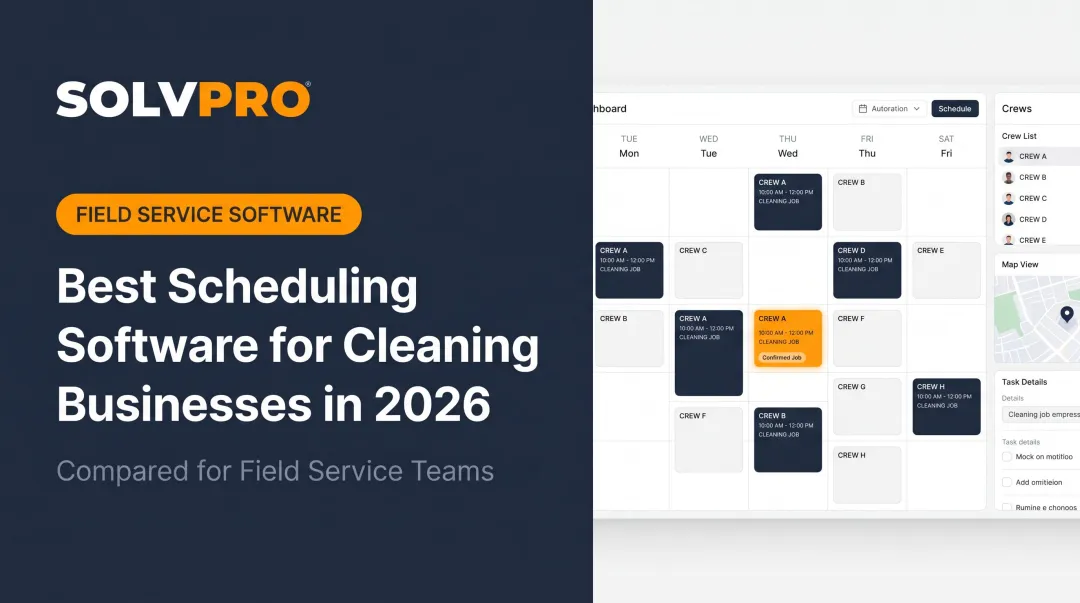
Recurring jobs, availability rules, travel time, cleaner skills, and property instructions can all drive scheduling logic instead of manual calendar juggling.
Automated messaging typically covers:
- Appointment confirmations sent as soon as a job is scheduled
- Reminder messages a day or two before service
- Rescheduling notifications when a slot changes
- Exception alerts when something doesn't match the plan
Unusual requests and schedule conflicts should route to a human, not resolve themselves silently. If a customer asks for a same-day change or reports an access issue, that needs a person's attention.
Bilingual operations add another layer. English- and Spanish-language templates help office staff and field crews receive consistent information, but machine translation alone isn't reliable for every safety message or sensitive customer conversation.
SolvPro's interface and communication tools are available in both English and Spanish on the core plan, so crews and office staff can work in either language without translation guesswork on routine updates.
Work Orders, Crew Coordination, and Quality Control
Digital work orders put checklists, access notes, product requirements, and special instructions in front of the crew before they arrive on-site. That alone prevents a lot of the "nobody told me" problems that happen with paper or text-based instructions.
AI can help summarize or extract tasks from customer messages, but a supervisor should review anything where instructions are unclear or could change the scope of service. This isn't optional. Misread instructions on a commercial account can cost a contract.
Completion evidence reduces disputes and builds a consistent quality record:
- Checklists confirming each task was completed
- Timestamps showing when work started and finished
- Photos documenting the finished space
- Customer sign-off where applicable
With SolvPro, cleaning crews can view location-specific instructions on any device, mark jobs complete in real time, and attach photos or notes as proof of service. Office staff get visibility without waiting for an end-of-day phone call.
Invoicing, Payments, and Retention
Once a job status changes to complete, that single event can trigger invoice preparation, payment reminders, receipts, and review requests. This is one of the highest-value places to automate because the trigger is unambiguous.
Automating delivery of an invoice is different from letting AI make financial decisions. Keep human approval required for:
- Discounts or credits
- Disputed charges
- Changes to recurring contract terms
Retention workflows can remind customers about periodic deep cleans, seasonal services, or contract renewals, but only when messages stay relevant and customers have opted in.
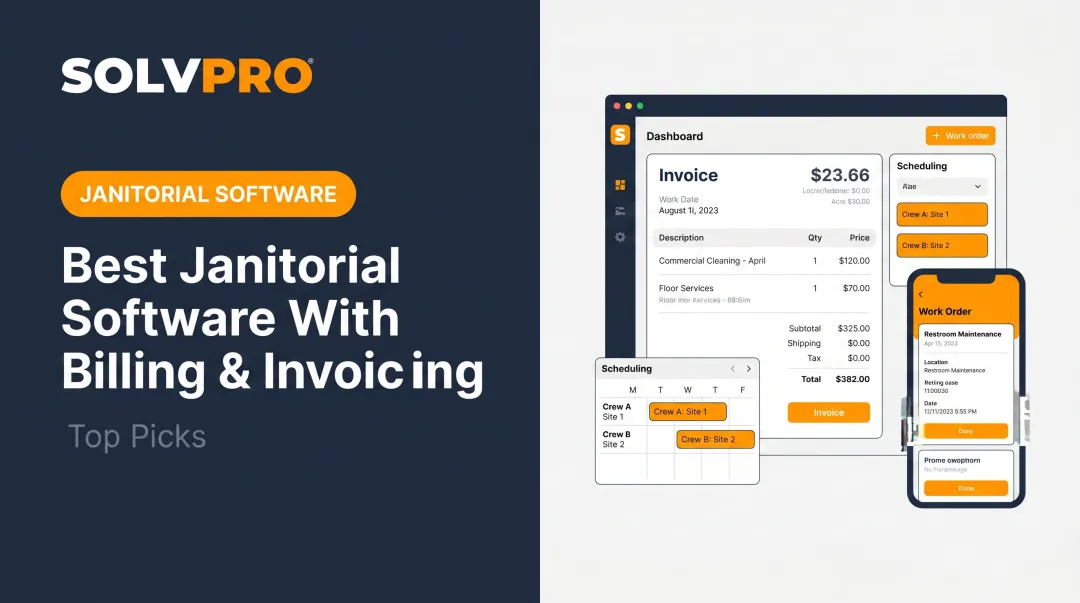
SolvPro's mobile invoicing lets crews send invoices from the field, accept multiple payment types, and track overdue balances in real time, which shortens the gap between job completion and getting paid.
Reporting and Profitability Analysis
Owners should track lead source performance, quote-to-booking conversion, schedule utilization, labor hours, rework, cancellations, outstanding invoices, and profit by job or account.
Industry surveys reflect real optimism here: a 2025 Aspire report covering more than 1,000 commercial cleaning companies found that 50% expected increased profits and 57% expected revenue growth. But that optimism only translates into results if the underlying numbers are accurate.
AI-generated recommendations are only as good as the records behind them. If your service catalog, time entries, and job statuses are inconsistent, any automated insight built on that data will be too.
SolvPro's job-costing analytics pulls labor, material costs, timelines, and crew performance into one view, with QuickBooks sync and one-click exports so the numbers stay usable for actual decisions.
How to Implement AI Automation Step by Step
Audit Repetitive Work before Buying Tools
Spend one week logging recurring administrative tasks: who does them, how long they take, what information they need, and what happens when something goes wrong.
Rank candidates by repetition, business impact, and risk. Start with low-risk, high-frequency work:
- Appointment reminders
- Lead acknowledgments
- Invoice notifications
Some tasks are poor automation candidates no matter how tempting. Keep a person involved from the start for:
- Highly customized estimates
- Employee disciplinary matters
- Safety incidents
- Emotionally charged complaints
Document the Process and Define the Desired Outcome
Write a simple SOP for the current process: trigger, required information, actions, approval points, exception paths, and how completion gets recorded.

Example: appointment reminders
- A scheduled job triggers an automated message
- The customer confirms or requests a change
- The system updates the job status
- Unresolved responses alert office staff
Set success criteria before launch so you can tell whether the automation worked: fewer manual touches, faster response time, and fewer missed appointments.
Build a Reliable Data Foundation
AI tools only produce dependable output when the underlying data is clean. Before connecting any automation, standardize:
- Customer records and service names
- Pricing rules and recurring schedules
- Employee roles and property instructions
- Job statuses
Clean out duplicate contacts, outdated templates, and incomplete addresses first. Then plan data permissions so office staff, supervisors, cleaners, and customers only see what's relevant to their role.
Pilot One Workflow and Test Exceptions
Test with a limited group of customers, one service type, or one crew before rolling out company-wide. Build test cases for the scenarios that actually break automations:
- Cancellations and no-shows
- Duplicate requests
- Payment failures
- Changed access instructions
- Customer complaints
Every automated workflow needs a human fallback. Decide upfront who gets alerted when the automation can't complete a task on its own.
Connect Systems and Train the Team
A connected platform should pass information between lead intake, scheduling, work orders, communication, payments, and reporting without staff re-entering the same data twice.
SolvPro is built as that operational foundation for cleaning businesses. Scheduling, work orders, crew accountability, payments, and knowing what each job made live in one system with QuickBooks Online sync, so office staff aren't bouncing between five tools.
Guided onboarding and the bilingual English/Spanish interface make adoption easier for mixed-language office teams and field crews. Not every AI feature is native to every platform, though—confirm what's built in versus what needs a third-party integration before you commit.
Train employees using short, role-specific procedures. Be explicit about what automation handles and when a person must step in and override it.
Monitor Performance and Improve Gradually
Set a recurring review of automation logs, failed actions, staff overrides, missed appointments, and complaints. Compare results against the baseline from your initial audit.
Retire or revise any automation that creates duplicate messages, inaccurate estimates, or extra work for staff instead of less.
Choosing an AI Automation Stack for a Cleaning Business
There's a real difference between an all-in-one field service platform, specialized cleaning software, general CRM tools, and standalone AI assistants. Evaluate the complete workflow, not a single impressive AI demo.
Essential Capabilities to Evaluate
At minimum, the platform should cover:
- Scheduling for recurring work
- Dispatch and crew assignment
- Work orders and mobile access
- Customer communication
- Estimates, invoicing, and online payments
- Reporting, permissions, and accounting connections
Confirm the system maintains one source of truth for customer and job data, supports exports, and keeps a usable audit history.
Ask vendors directly how automation is billed—whether AI actions require credits or add-ons—and what happens to your data if you cancel.
Questions to Ask during a Product Demonstration
Request a live demo using a realistic workflow: new inquiry, recurring estimate, crew assignment, job completion, invoice, and follow-up. Then push further:
- How does the system handle exceptions?
- Does bilingual messaging work out of the box?
- What do role permissions actually restrict?
- How is data migrated from our current tools?
Get written confirmation of pricing, feature availability, data retention, and contract terms before signing anything.
Cost and Return-on-Investment Considerations
Estimate ROI from the gains that matter most to a cleaning operation:
- Saved administrative hours
- Recovered leads
- Fewer missed appointments
- Faster collections
- Clearer visibility into unprofitable accounts
Field service software pricing varies by tier and feature set. Category research from Capterra shows entry-level plans commonly run around $100 per month, with premium tiers closer to $450.
As a concrete benchmark, SolvPro runs one core plan with no add-on fees for core tools and no long-term contract. It does not publish pricing, so confirm the current figure directly.

When comparing total cost of ownership, factor in:
- Subscription and implementation costs
- Integration and migration time
- Training hours
- Any AI usage charges
Automation Safeguards for Cleaning Businesses
Customer, employee, property access, and payment data all require careful handling. Cleaning businesses should review applicable requirements for their operations, including texting consent rules, email compliance, and state privacy laws where they operate.
Baseline practices that apply across most shops:
- Get customer consent before sending automated texts or emails, and keep a record of communication preferences
- Honor opt-out requests promptly — TCPA and CAN-SPAM guidance generally expects processing within 10 business days
- Use approved templates, pricing limits, and review queues before automated messages, estimates, or refunds go out
Human Oversight and Safety Boundaries
AI should never independently handle decisions with real consequences for people or contracts:
- Whether a chemical is safe for a surface
- How to resolve a hazardous-material incident
- Employee discipline
- Approval of a disputed charge
Supervisors need to review:
- Safety instructions and unusual property conditions
- Customer complaints and quality failures
- Any action that could materially affect a person or contract
When an automation error happens, keep the response consistent:
- Stop the workflow
- Contact the affected customer or employee
- Document what happened
- Correct the underlying data
- Test the fix before turning automation back on

Conclusion
Run a profitable shop, not just a busy one.
Seeing what a job is costing while it is still open gives you a chance to act on it. SolvPro connects scheduling, work orders, time, job costing and invoicing so that information is in one place. When you want to see it on your kind of work, Book a Demo.
Run the Job. Protect the Profit.
Frequently Asked Questions
What Are the 5 Rules of Smart Cleaning?
Standardize repeatable work and prioritize high-impact areas. Use the right tools and products for each surface, document completion with photos or checklists, and review results regularly to improve.
What Is AI Automation in a Cleaning Business?
It's software-assisted handling of repeatable administrative tasks like reminders, follow-ups, and invoicing. People remain responsible for service quality, safety decisions, and exceptions.
What Should a Cleaning Business Automate First?
Document the process and clean up your data first. Then start with a low-risk, high-frequency workflow such as appointment reminders, lead acknowledgments, or invoice notifications.
Can AI Replace Cleaning Business Employees?
No. AI reduces administrative workload, but it doesn't replace trained cleaners, supervisors, safety oversight, or the customer relationships that keep contracts renewed.
How Much Does It Cost to Automate a Cleaning Business?
Costs vary based on team size, software scope, integrations, and payment processing needs. Weigh total cost against time saved, recovered leads, and faster collections—not sticker price alone.
How Do I Choose the Best Automation Software for My Cleaning Company?
Evaluate recurring scheduling, work orders, and crew communication, plus invoicing, payments, and reporting. Confirm permissions, bilingual usability, onboarding support, data controls, and a clear human fallback process before you sign on.