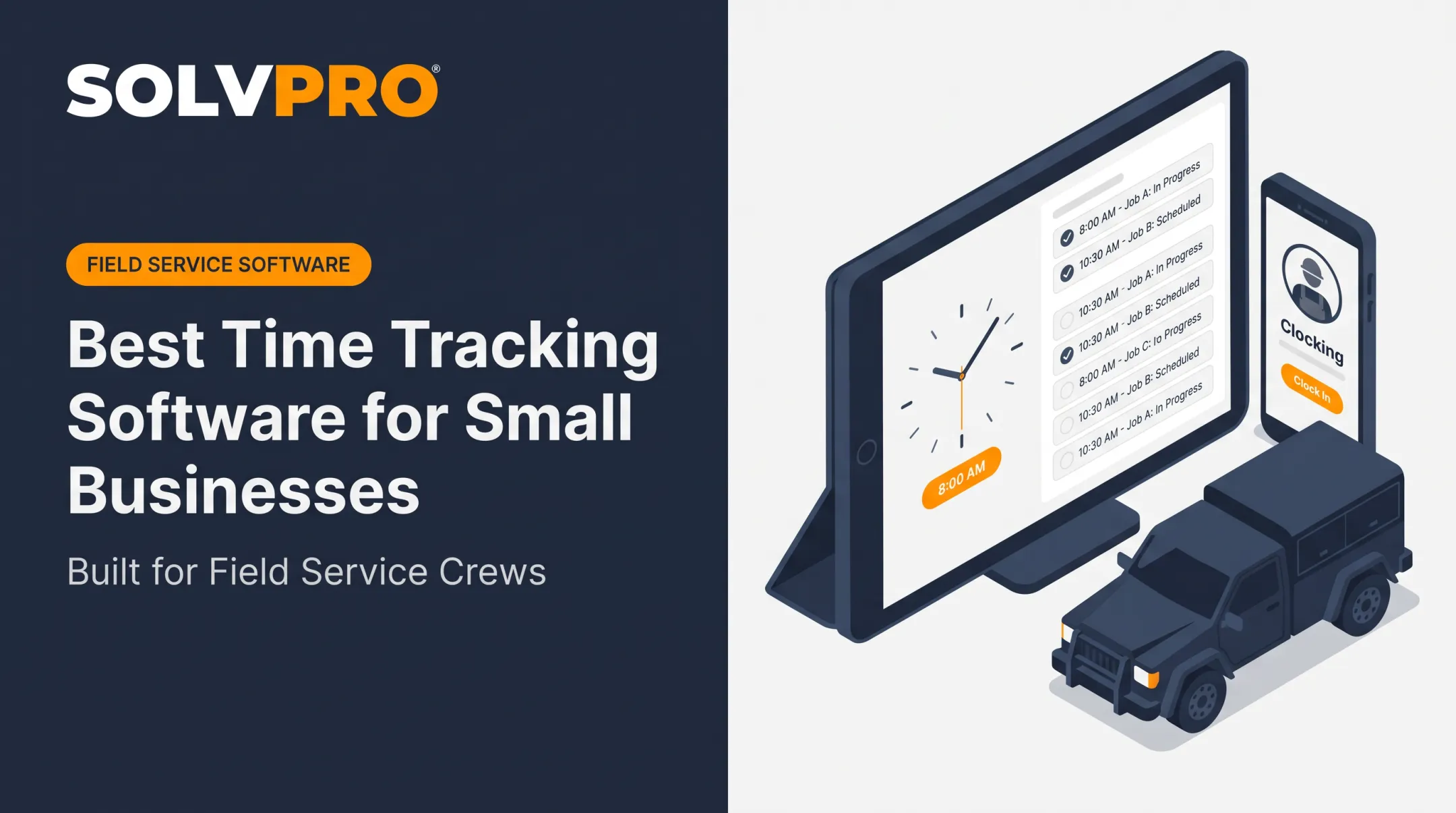
Payroll mistakes aren't rare. One in five U.S. payrolls contains an error, averaging $291 per mistake, according to an EY survey of payroll professionals.
Even a 50-person field crew can lose roughly $12,500 a year to time and expense errors alone.
The best mobile time tracking apps do more than log a start and stop time. They connect hours to jobs, locations, overtime rules, and payroll systems.
This guide compares five leading options for field-service and hourly teams, then breaks down how to pick the right one based on crew size, connectivity, integrations, and privacy needs.
KEY TAKEAWAYS
- Match the app to your needs: simple clock-ins, job costing, payroll sync, or built-in scheduling
- Evaluate GPS, geofencing, offline support, and approvals together—not one feature at a time
- Pilot any shortlist with a small crew before a company-wide rollout
- Need scheduling, work orders, and payments too? Choose a field-service platform over a clock-only app
- Crews submit time from a phone or tablet while managers get digital timesheets, approvals, and payroll-ready reports on the back end
Overview of Mobile Time Tracking Apps for U.S. Field-Service Businesses
A mobile time tracking app lets employees clock in and out from a smartphone or tablet, while managers get digital timesheets, approvals, and payroll-ready reports on the back end.
For contractors, electricians, plumbers, landscapers, and cleaning crews, that mobile piece matters more than for office-based teams. There's no time clock on the wall to walk up to.
The typical workflow looks like this:
- Employee clocks in from their phone at the job site
- Employee selects the relevant job or project (if applicable)
- Employee logs breaks or time adjustments
- Employee clocks out at shift's end
- Manager reviews and approves the timesheet before payroll export

Why Accuracy Matters More than It Seems
GPS stamps, geofencing, photo verification, and offline punches all improve accountability. But businesses should communicate monitoring practices clearly and only use the controls they actually need. Nobody wants to feel spied on for clocking into a job.
Federal recordkeeping rules make accuracy non-negotiable. The Department of Labor requires employers to keep complete and accurate time records, including hours worked, regardless of which tracking method is used.
Payroll records generally need to be retained for three years, and wage-calculation records like time cards for two years.
Overtime rules add another layer. Covered, nonexempt employees generally must be paid 1.5 times their regular rate for hours over 40 in a workweek. An app that doesn't calculate this correctly creates a real financial and legal exposure. None of these tools replace legal advice, but accurate data makes compliance far easier.
From here, compare the options below by operational fit, not by app popularity or the lowest advertised price.
Top Mobile Time Tracking Apps for U.S. Field-Service Businesses
Each app below was assessed on mobile usability, field reliability, GPS and geofencing, offline support, job tracking, payroll integrations, reporting, and pricing transparency. Features and pricing shift often, so verify current details directly with each vendor before purchasing.
Connecteam — Best for Deskless Teams Needing Time Tracking plus Workforce Operations
Connecteam pairs mobile clock-ins with scheduling, task management, and communication tools built for distributed teams. It functions as a workforce hub, not only a time clock.
Confirmed features include:
- Real-time clock-in/out with GPS location stamps and clock-in/out maps
- Payroll integration, timesheet locking, and auto-clock-out
- Unlimited job coding and basic scheduling
Advanced plans support up to 10 geofence sites.
One notable limitation: Connecteam's Time Clock does not support offline clock-in/out. An active internet connection is required, which matters for crews working in rural areas or basements with poor signal.
| Best-fit team | Mobile platforms | Location/offline | Payroll integration | Pricing | Key limitation |
|---|---|---|---|---|---|
| Distributed crews needing ops tools beyond time tracking | iOS/Android (verify current) | GPS + geofencing; no offline punching | QuickBooks Online, Gusto, ADP, and others | Covers a first block of users, then charges per additional user; confirm with vendor | No offline mode for time clock |
ClockShark — Best for Contractors and Trades Tracking Time by Job
ClockShark is built for construction and trade businesses that need hours tied to specific jobs, tasks, or cost codes. It's a common pick for crews moving between multiple sites in a single week.
Standout features:
- GPS tracking (requires device permission)
- Offline clock in/out, with punches syncing once connectivity returns
- Drag-and-drop scheduling
- Built-in Spanish-language support
- Job and cost-code tracking for job-costing accuracy
Standard and Pro each combine a monthly base fee with a per-user charge, with Pro higher on both. Confirm current pricing on the vendor's pricing page. Integrations include QuickBooks Online, QuickBooks Enterprise, and ADP; confirm current availability on ClockShark's integrations page.
Capterra reviews from 2024-2025 describe smooth setup and reliable offline punching. Several users still flag pricing as steep for smaller crews.
| Best-fit trade | Job/cost tracking | Location controls | Offline | Integrations | Pricing | Limitation |
|---|---|---|---|---|---|---|
| Construction & trades billing by job | Strong job/cost-code support | GPS with permission-based tracking | Yes, syncs on reconnect | QuickBooks, ADP (verify) | Base fee plus per-user charge; confirm with vendor | Cost can climb fast per crew member |
QuickBooks Time — Best for Businesses Already Using QuickBooks
If your accounting already runs through QuickBooks, QuickBooks Time (formerly TSheets) lets employee hours flow straight into payroll, invoicing, and job-costing workflows without a second system.
Mobile capabilities include:
- GPS tracking and geofencing reminders
- On-the-fly job-code changes
- Offline timesheets that store locally and sync when reconnected
- Scheduling by job or shift, plus project review
The catch: a QuickBooks Online account is required to use it. If you're not already in that ecosystem, you're paying for a dependency you don't need.
Time Premium and Time Elite each combine a monthly base fee with a per-user charge, and promotional pricing may apply. Confirm current rates on the vendor's pricing page. G2 reviewers note easy setup for existing QBO users, but some report limited customization and occasional clock-in compatibility issues.
| QuickBooks fit | Mobile platforms | Job tracking | Location features | Payroll workflow | Pricing | Drawback |
|---|---|---|---|---|---|---|
| Businesses already on QBO | iOS/Android | Job-code selection, project review | GPS + geofence reminders | Native QuickBooks sync | Base fee plus per-user charge; confirm with vendor | Requires QuickBooks Online subscription |
Deputy — Best for Scheduling-Led Teams and Multi-Location Operations
Deputy leans heavily into scheduling, attendance, and labor-rule compliance, with time capture built around shift management rather than job costing.
Standout capabilities:
- Mobile and Kiosk clock-in/out
- GPS location stamps on mobile; facial verification via Kiosk
- Geofencing plus configurable overtime and break rules
- Exception handling for missed punches
- Timesheet export to Excel or your payroll system, including named U.S. payroll and POS integrations
G2 reviews from 2025 describe intuitive setup, easy clock-ins, and responsive customer service.
Three tiers (Lite, Core, Pro) are priced per user, rising at each level. Confirm current tiers and plan mapping on the vendor's pricing page.
| Best-fit workforce | Scheduling depth | Time-clock features | Location controls | Pricing | Implementation note |
|---|---|---|---|---|---|
| Multi-location, shift-based teams | Strong — core product strength | Clock-in/out, breaks, overtime rules | GPS + facial verification (Kiosk) | Per-user pricing by tier; confirm with vendor | Job-costing is thinner than trade-focused apps |
Jibble — Best for Budget-Conscious Teams Seeking Mobile Attendance Controls
Jibble stands out for its free plan, which includes unlimited users, GPS time tracking, biometric verification, and two geofences. This makes it a realistic option for small crews that don't need advanced controls yet.
Paid tiers unlock more:
- Premium: unlimited geofences, custom time policies, multi-level approvals
- Ultimate: audit logs, SSO/SAML, API access, dedicated support
Offline mobile time tracking is supported, though limits weren't fully confirmed in available docs, so test before rollout. Trustpilot reviews from late 2025 mention easy setup and responsive support, alongside some complaints about mobile navigation.
| Free-plan scope | Platforms | Anti-buddy-punching | Offline | Paid limitations | Best-fit size |
|---|---|---|---|---|---|
| Unlimited users, GPS, biometric ID | iOS/Android | Facial/biometric verification | Supported, verify limits | Advanced features gated behind paid tiers | Small teams on tight budgets |
Match these five against your actual work pattern. Fixed versus scattered job sites, weak cell coverage, job-costing needs, and payroll sync requirements usually matter more than whichever app a competitor chose.

What to Look for in a Mobile Time Tracking App
Operational fit and data reliability matter more than feature count or brand recognition. Here is what to test, and why each point matters:
- Mobile clock-in usability: Can an employee start a shift, pick the right job, log a break, and fix a missed punch from a phone they already carry? Apps that require a manager for basic corrections create bottlenecks.
- Field reliability: Weak cellular service, no Wi-Fi, and dead job-site zones are the norm for crews. Check whether offline punches are stored and how sync conflicts resolve when connectivity returns.
- GPS, geofencing, and privacy trade-offs: More location tracking means more accountability, but also more battery drain and administrative setup. Every team has a different balance point.
- Job and cost-code tracking: Field service businesses need labor hours connected to estimates, invoices, and project profitability, not just a total hours count.
- Payroll and accounting integrations: Native sync beats CSV exports, and CSV exports beat manual re-entry. We noted where integrations exist versus where they're only claimed in marketing.
- Independent review patterns: Recurring themes from Capterra, G2, and Trustpilot (support quality, sync failures, setup difficulty) were weighed cautiously and separated from vendor marketing claims.
Before committing company-wide, run a short pilot with office staff, managers, and field crews. Measure punch accuracy, missed entries, adoption rate, and how much time your payroll team saves each pay period.

Conclusion
The best mobile time tracking app is the one that matches how your crews actually work in the field —not the one with the longest feature list. It should sync with your payroll process and stay simple enough that every employee uses it correctly, every shift.
Before you commit, compare total cost of ownership:
- Subscription fees and required add-ons
- Setup time and training
- Manual corrections after each pay period
If your business needs more than a standalone time clock—scheduling, work orders, knowing where crews are assigned, job profitability, and payments working together—a broader field-service platform may fit better.
SolvPro is built for growing service businesses like general contractors, electricians, plumbers, and landscaping crews. It includes time tracking by job and crew member, job-linked entries, and bilingual English/Spanish support for office staff and field teams. Book a demo to see whether an all-in-one approach fits your operation better than a single-purpose app.
You shouldn't have to wait until the job is over to find out whether you made money.
Keeping the estimate, work order, time entries and invoice on one record reduces how much the office has to reconstruct before it can bill. That is the difference between finding out now and finding out at closeout. When you want to see it on your kind of work, Book a Demo.
Run the Job. Protect the Profit.
Frequently Asked Questions
How Do I Keep Track of My Employees' Hours?
One approach is mobile clock-ins tied to digital timesheets, with manager approvals and job or project codes attached to each entry. Choose a process your whole crew can follow consistently, then export the data straight to payroll.
Can Employees Clock In via a Mobile App?
Yes, most modern time tracking systems support iOS and Android clock-ins. Many add controls like GPS, geofencing, shared kiosks, or photo verification depending on how much accountability you need.
What Is the Best Employee Time Clock Software?
It depends on your workforce size, job-site distribution, existing payroll system, and budget. Use the "best for" categories above rather than picking based on one universal winner.
How Do I Keep Track of My Hours Worked?
Individuals often use personal mobile timers or manual entries, categorized by project or client, with a weekly review. This differs from employer-managed time clocks, which handle approvals and payroll compliance.
Do Mobile Time Tracking Apps Work without Internet?
Some apps, like ClockShark and QuickBooks Time, support offline punches that sync later. Others, like Connecteam's time clock, require a live connection. Test offline behavior at your actual job sites before rolling out any app.
What Features Should I Look for in a Mobile Time Tracking App?
Prioritize simple iOS/Android clock-ins, plus GPS or geofencing if you run job sites. Then check offline mode, job codes, overtime and break rules, approvals, payroll integrations, and clear pricing.